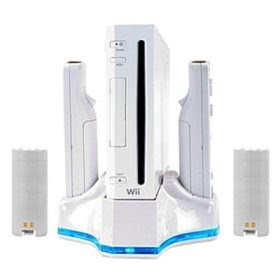
This is a great way to give new life to your device if it has been scratched and you would like to cover it up or to protect if from getting scratched, or if you just want to change your style.
Easy installation guide will include to anyone can install the skins in few minutes. These skins are made of high quality vinyl film, they have a 3 years durability rating,with a non permanent adhesive backing that will allow you to easily peel off the skin when your mood or attitude changes.
 PSP Flame Skin & Desktop Charger / Loud Speaker with Match Skin
- NO tool needed to install the Skins & will NOT void warranty or damage your device.
- Come with a set of 4 pieces skin decal, device not included.
- Cradle style charging solution.
- 2 loud Stereo Speakers for greater sound quality.
- Holds your PSP in place with adjustable viewing angles.
- Stylish blue lights with On/Off switch.
- Headphone jack availability for easy access when docked.
- 3 toggle switch that allows for, Charge & Play, Play, and OFF.
- Use PSP adapter or Car charger.
- This is a perfect item for desktop and car use. Quick charge. A must for PSP console owners.